How to send a proposal that opens on its video.
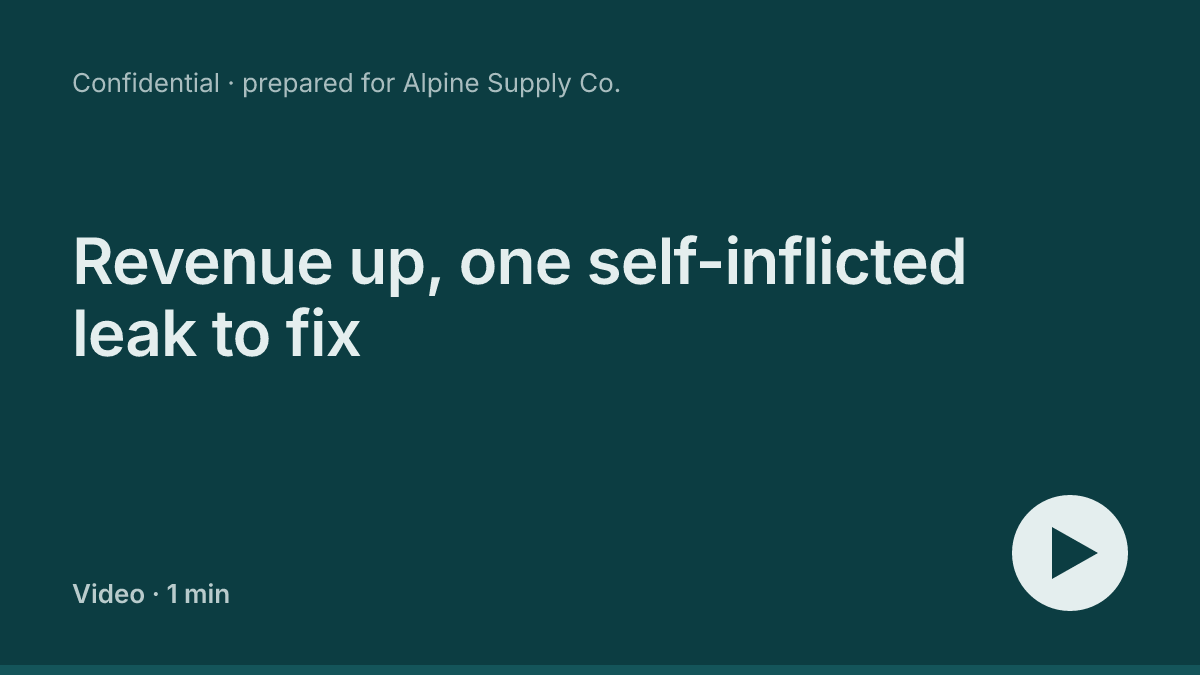
Give the proposal a one-minute video, then put that video in the email itself: a picture that shows the headline and a play button, and a link under it that opens the page straight into the video. About five minutes, most of it waiting.
No card · 3 pages free · about a minute
How do you send a proposal with a video?
Publish the proposal as a page on Stacktree and make its page video from the dashboard. Once it is on the page, use Send it with the video: copy the picture into your email, copy the link under it, and send. The link ends in #watch, so it opens the page straight into the video, and the page's screen shows you how many watched it to the end.
Why the video goes in the email
In our own reading data, a page that is opened is mostly read. The bigger loss is the page that is never opened at all: 39% of recent pages, in the numbers we published this week. A video that only lives on the page cannot help with that. So the reason to click has to travel in the message: what the proposal says, and that it takes a minute.
This is what the client sees in their inbox, above your link:
Step by step
- Open the page in the dashboard. Publish the proposal or report to Stacktree first, from a file, from the dashboard or from your AI assistant. Then open the page's screen.
- Make the video. Find the Page video card and choose Make the video. On Studio it is included, three a month, and on Firm ten. On Free and Solo the button reads Make a video · $19, one-off, with two remakes. It takes about a minute, and you can leave the screen while it works.
- Review the lines. Watch the draft through. Every line on screen has been checked against the page. Anything the page does not support is left out and listed with the reason, and any line can be dropped with Choose any line to leave out. Preview on your page shows it where the client will see it.
- Publish it to the page. Choose Publish to the page. Nothing reaches a reader before this. If you remake it later, the button reads Publish this version, and readers keep the current video until you press it.
- Copy the picture into your email. Under Send it with the video, choose Copy picture and paste it into the body of a new Gmail or Outlook message, not as an attachment. If your browser will not copy pictures, use Download and insert the file inline.
- Copy the link under it, and send. Choose Copy link and paste it under the picture. Add a line or two in your own words, what the proposal is and what you need from them, and send.
Want to see what the client gets first? Open the example proposal or the example report with #watch on the end. For a gated page, try the locked example with the passcode demo: its poster shows only the page's colours, "A one-minute video" and the play button, nothing from behind the passcode.
See who watched
Once the video is live, the Page video card becomes a receipt: "Watched 3 times, 2 to the end", with the average time watched and when it was last opened. The counts never include your own previews.
The video counts plays, not people. To know who, put a name on the link before you send it. On the page's screen, type the client's name in Who is this for? and use Copy their link. From the Solo plan, every open comes back against that name, and on Studio and Firm you also see how far into the page they read. Page engagement explains each number, and send a client report as a link covers the rest of the sending side.
Then follow up on what happened. Watched to the end but barely scrolled means they have the gist, so offer a call. Never opened means resend, kindly, with one line on what is inside.
Loom or page video?
Both, when the deal is worth it. A Loom of you talking through the proposal shows effort in a way nothing else does, and the reply-rate lifts Loom reports come from videos a person recorded. It also takes twenty minutes with retakes, and goes out of date the moment you change the page.
The page video is the version the client finishes: about a minute, silent, in the proposal's own design, with every figure checked against the page. It stays on the page after the email is buried, so a colleague they forward it to gets the same minute. Send the Loom to say "I made this for you", and the page video so they know what is in it.
Frequent questions
Can I attach the video file to the email? +
What does the client see if the page has a passcode? +
What happens to the video if I change the proposal? +
Does the video have sound? +
Related guides
- Page video What it is, how every line is checked, and what it costs.
- Your client didn't skip the proposal. They never opened it. Thirty days of reading data, and why the message matters more than the page.
- See how your pages get read Opens, reading depth and the attention heatmap.
- Send a client report as a link, not a PDF Publish the page, send one URL, keep it current.
A proposal that opens on its video
One private link, a one-minute video in the page's own design, and a receipt that tells you it was watched.
Sign up free →